 XXstory
Instagram Story Viewer vs Downloader: Which Do You Need?
Instagram story viewer vs downloader: viewing lets you check public stories without saving files, while downloading creates a copy you must manage. Use this decision matrix before choosing.
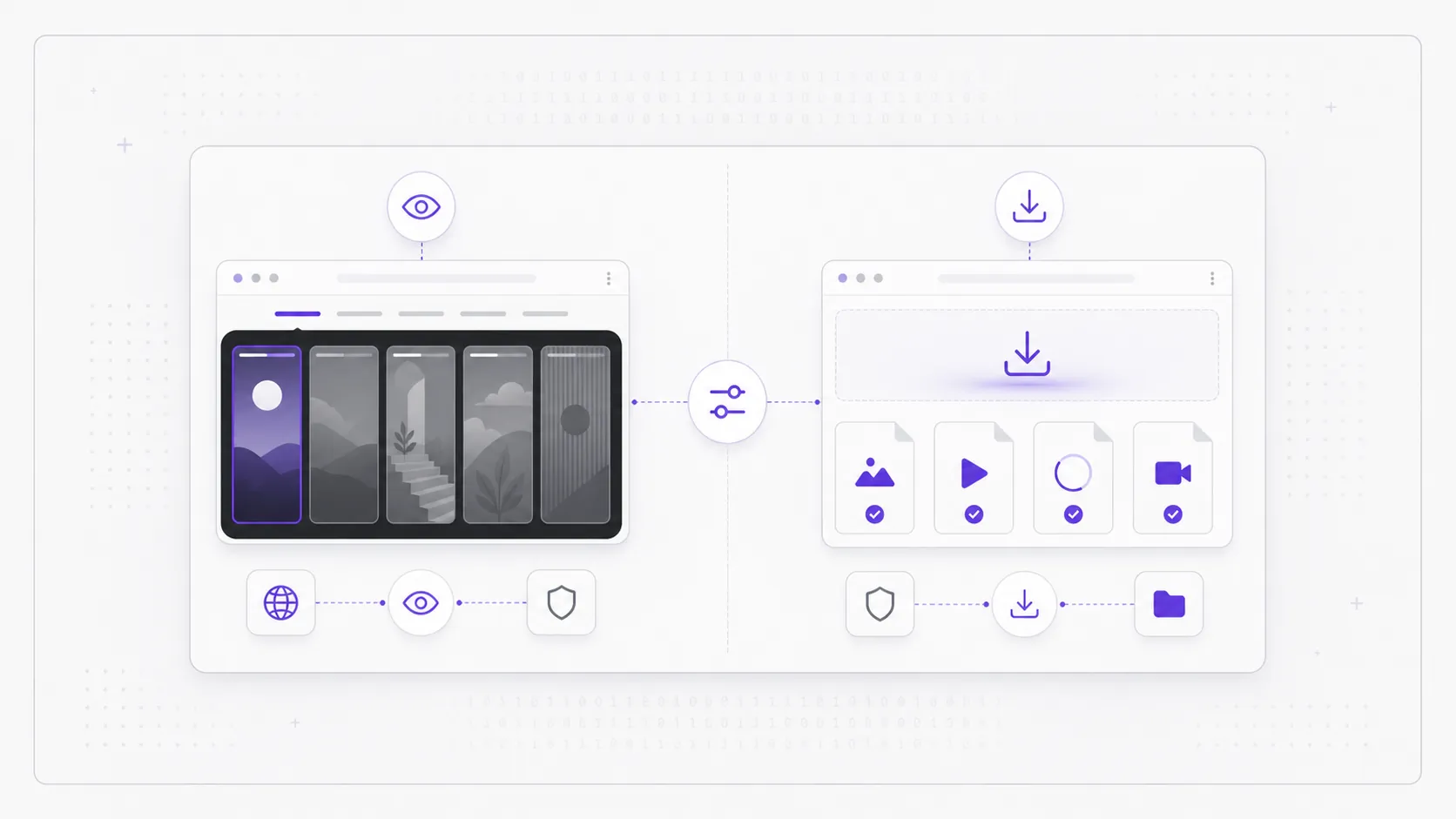
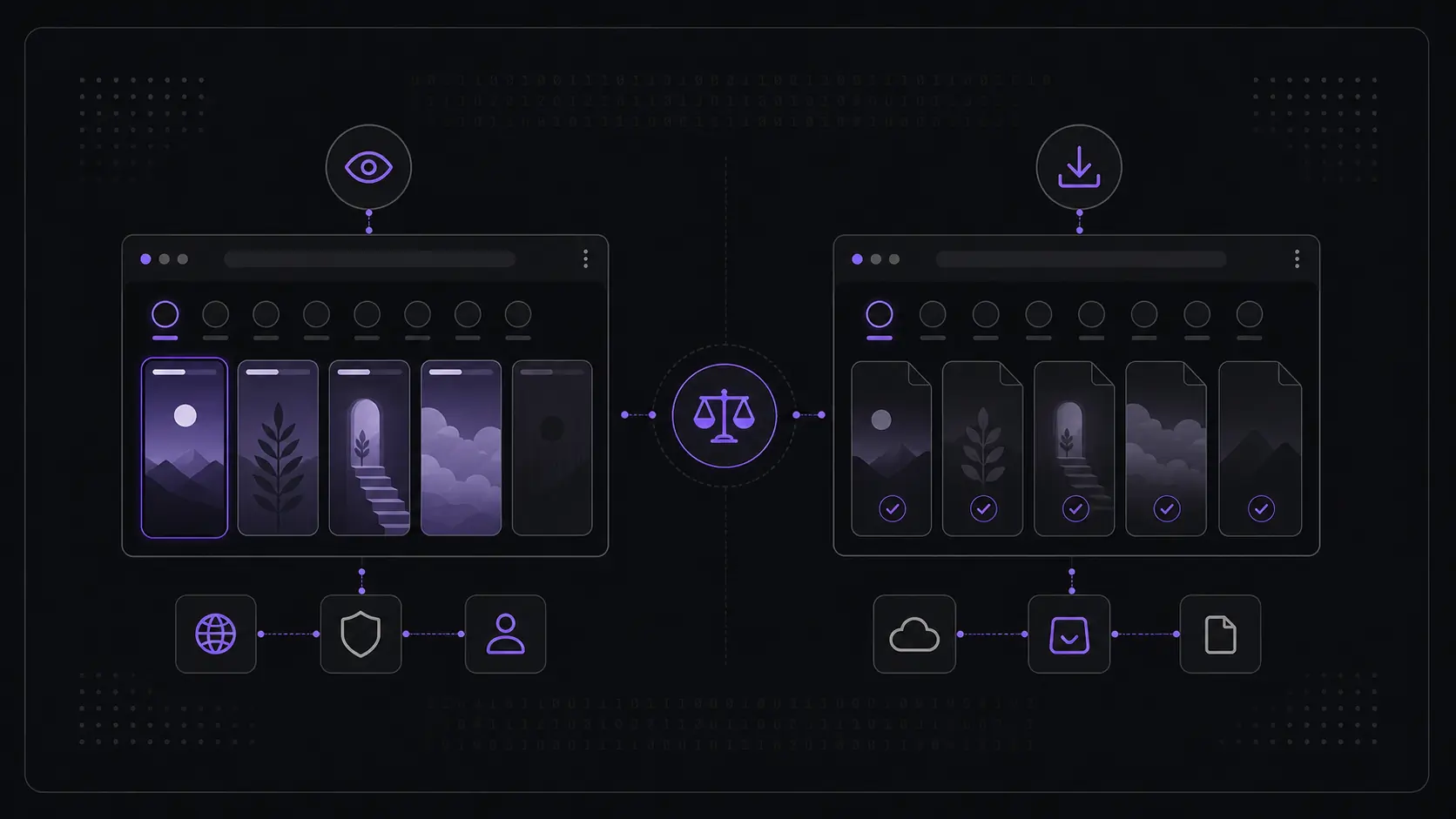
Short answer: A story viewer lets you see a public Instagram story in your browser and keeps nothing afterward; a downloader saves a copy of that story as a file you then own and have to manage. If your goal is simply to look at what a public account posted, a viewer is the right default — it leaves no file behind and no responsibility for stored content.
People often use "viewer" and "downloader" interchangeably, but they answer two different questions. One asks "can I see this right now?" The other asks "do I need to keep this?" Most of the time the honest answer to the second question is no — and that single distinction is what this page is about. Below we cover what each one actually leaves behind, the privacy footprint of each, the copyright limits that come with saving public content, and when each choice is genuinely the right one.
This page owns the decision intent: Instagram story viewer vs downloader. If you want to open public stories now, use the Instagram Story Viewer. If you want to compare named tools, use the comparison hub or the best anonymous Instagram story viewers. If you want the baseline for what a viewer can and cannot access, read how Instagram story viewers work.
What does a story viewer actually do?
A story viewer previews a public Instagram story inside your browser and keeps nothing once you close the tab. You enter a public username, you look at what was posted, you learn what you came to learn, and the session ends. There is no file, no download folder, no copy on your device.
That "keeps nothing" property is the whole point. A viewer treats a story the way it was designed to be experienced — as something temporary you glance at and move on from. Because nothing is written to disk, there is no clutter to clean up later and no stored media you are now accountable for. It is the lightest possible way to satisfy "I just want to look." A viewer also works only with public stories: it does not log into anyone's account and cannot reach content from a private account, because that content was never publicly available in the first place.
What does a story downloader do differently?
A downloader saves a copy of a public story as a file — an image or video that lands in your downloads and stays there until you delete it. Where a viewer ends when you close the tab, a downloader's output begins when the tab closes: now there is a file, and that file is your responsibility.
The difference is not cosmetic. Viewing is consumption; downloading is acquisition. Once a story is a file on your device, it can be copied, moved, re-shared, or backed up — none of which the original poster expected when they shared something meant to disappear in 24 hours. That extra capability is occasionally useful and often unnecessary, which is why it deserves a deliberate decision rather than a default habit.
What does "viewing" leave behind versus a saved file?
Viewing leaves behind essentially nothing on your side: no media, no archive, no folder of expired stories. A saved file leaves behind a durable copy that outlives the original story and sits under your control indefinitely. That gap in permanence is the core trade-off between the two approaches.
| Aspect | Story viewer | Story downloader |
|---|---|---|
| What ends up on your device | Nothing | A media file you keep |
| Lifespan | Ends when you close the tab | Lasts until you delete it |
| Ongoing responsibility | None | You now hold a copy |
| Matches the story's temporary nature | Yes | No — it makes the temporary permanent |
| Right for "I just want to look" | Yes | Overkill |
A story on Instagram is built to expire. Viewing respects that design; saving deliberately overrides it. Neither is wrong, but they are clearly not the same job, and treating "I want to see it" as if it means "I want to own it" creates copies you never actually needed.
Viewer vs downloader decision matrix
| Decision question | Choose a viewer when... | Choose a downloader only when... |
|---|---|---|
| Do you need a file afterward? | No, you only need to inspect the story | Yes, the file itself is the task |
| Are you checking several profiles? | Yes, browsing is faster without downloads | Only if each saved file has a clear purpose |
| Do you want the smallest footprint? | Yes, nothing remains on your device | No, you accept storing someone else's media |
| Are you worried about copyright or reuse? | Yes, viewing avoids creating a reusable copy | You have permission or a narrow personal-use reason |
| Is the account private? | Neither option works | Neither option works |
The last row is non-negotiable. A downloader does not become more powerful than a viewer just because it creates a file. Both can only work with public content. If a site promises private story downloads, that is a safety issue, not a feature.
What is the privacy footprint of each?
The privacy footprint of viewing is small and short-lived; the footprint of downloading is larger and lasting, because a saved file is data about someone else that now lives on your device. With a viewer you hold nothing once the tab closes, so there is nothing to leak, misplace, or accidentally re-share later.
With a downloaded file, you have taken on a small custodial duty over someone else's content. That copy can be synced to a cloud backup, picked up by a photo library, or shared without the poster's awareness. None of this is malicious by default, but it does mean your footprint grows with every file you keep. Choosing to view rather than save is the simplest way to keep that footprint minimal — you only ever held a public story for as long as you were actually looking at it.
What are the copyright and personal-use limits of downloading public content?
Public does not mean unowned. A publicly visible Instagram story is still the creator's work, and saving a copy does not transfer any rights to you — it only means you now hold media that someone else made. Personal, private reference is the narrow lane where keeping a copy is most defensible; re-publishing, re-sharing, or using someone's story commercially without permission is a different matter and is not something a download entitles you to.
This is the practical reason to download sparingly. The fact that you can save a public file says nothing about what you are allowed to do with it afterward. Respecting the creator's rights means treating a saved story as a personal reference at most, and never as content you are free to redistribute. And none of this applies to private accounts at all — content behind a private setting was never public, and nothing here is about reaching it.
When is each one the right choice?
Reach for a viewer whenever the task is to see something and end there; reach for a downloader only when an offline copy is genuinely the point and you have a legitimate, personal reason to keep it. The deciding question is simple: when you are done, do you need a file to still exist? If you're choosing between specific tools, use the best anonymous story viewer comparison. If you are comparing a brand that markets itself as both viewer and downloader, start from the full comparison hub.
| If you want to… | Choose |
|---|---|
| Glance at a public story right now | Viewer |
| Check what a public account just posted | Viewer |
| Compare a few public profiles quickly | Viewer |
| Look without leaving anything on your device | Viewer |
| Keep a personal file copy you have the rights to | Downloader |
| Hold an offline backup for a legitimate reason | Downloader |
If your honest answer to "do I need a file afterward?" is no, the viewer is doing exactly what you want and the downloader is solving a problem you do not have.
Why is a viewer the safer default?
A viewer is the safer default because it matches the most common intent — I just want to look — while leaving the smallest footprint, holding no one else's content, and sidestepping the copyright and storage questions that come with a saved file. It is the option that asks the least of you and keeps the least from anyone else.
For most people, most of the time, the goal is to see public content, not to archive it. The viewer fits that goal precisely: nothing stored, nothing to manage, no copy you are now responsible for. A downloader earns its place only in the narrow cases where an offline copy is truly necessary and clearly within your rights to keep. Default to viewing, and treat saving as the exception.
One layer below that choice sits the question of delivery format. A story viewer app, sideloaded APK, or browser extension reads the same public layer a plain browser tab does, while asking for device permissions the tab never needs — the comparison is in Instagram story viewer app vs browser.
FAQ
Is a story viewer the same as a downloader? No. A viewer previews a public story in your browser and keeps nothing once you close the tab; a downloader saves a copy as a file you keep and manage. They solve different problems — seeing versus owning.
What is better: an Instagram story viewer or downloader? For most searches, a viewer is better because it answers the common job — checking a public story — without creating a file. A downloader is better only when keeping a public media file is the specific, legitimate goal.
Does viewing a public story save anything to my device? No. Viewing previews the content in the browser and leaves no file behind. When the tab closes, nothing remains on your device, which is what makes it the cleaner option for "I just want to look."
Can I download a private account's story? No. Neither viewing nor downloading reaches content from a private account. Everything here concerns public stories only — content the account chose to make publicly visible.
Are Instagram story downloaders safe? Some are straightforward, but downloader pages are more likely to push fake buttons, redirects, app installs, and saved-file handling. Avoid any downloader that asks for your Instagram password, claims private access, or forces a browser extension. For the broader safety checklist, see are Instagram story viewer sites safe.
Is it okay to keep a downloaded public story? A public story is still the creator's work. Keeping a copy for personal, private reference is the most defensible use; re-sharing or commercial use without permission is not something a download entitles you to.
Which should I use if I just want to check something quickly? A viewer. If you only need to see what a public account posted and don't need a file afterward, viewing is faster, lighter, and leaves nothing behind.
For everyday "I just want to look," start with the Instagram Story Viewer.