 XXstory
How to Tell if an Instagram Account Is Public or Private
How do you know if an Instagram account is private or public? Open the profile logged out, then check the post grid, lock label, Follow button, and story ring.
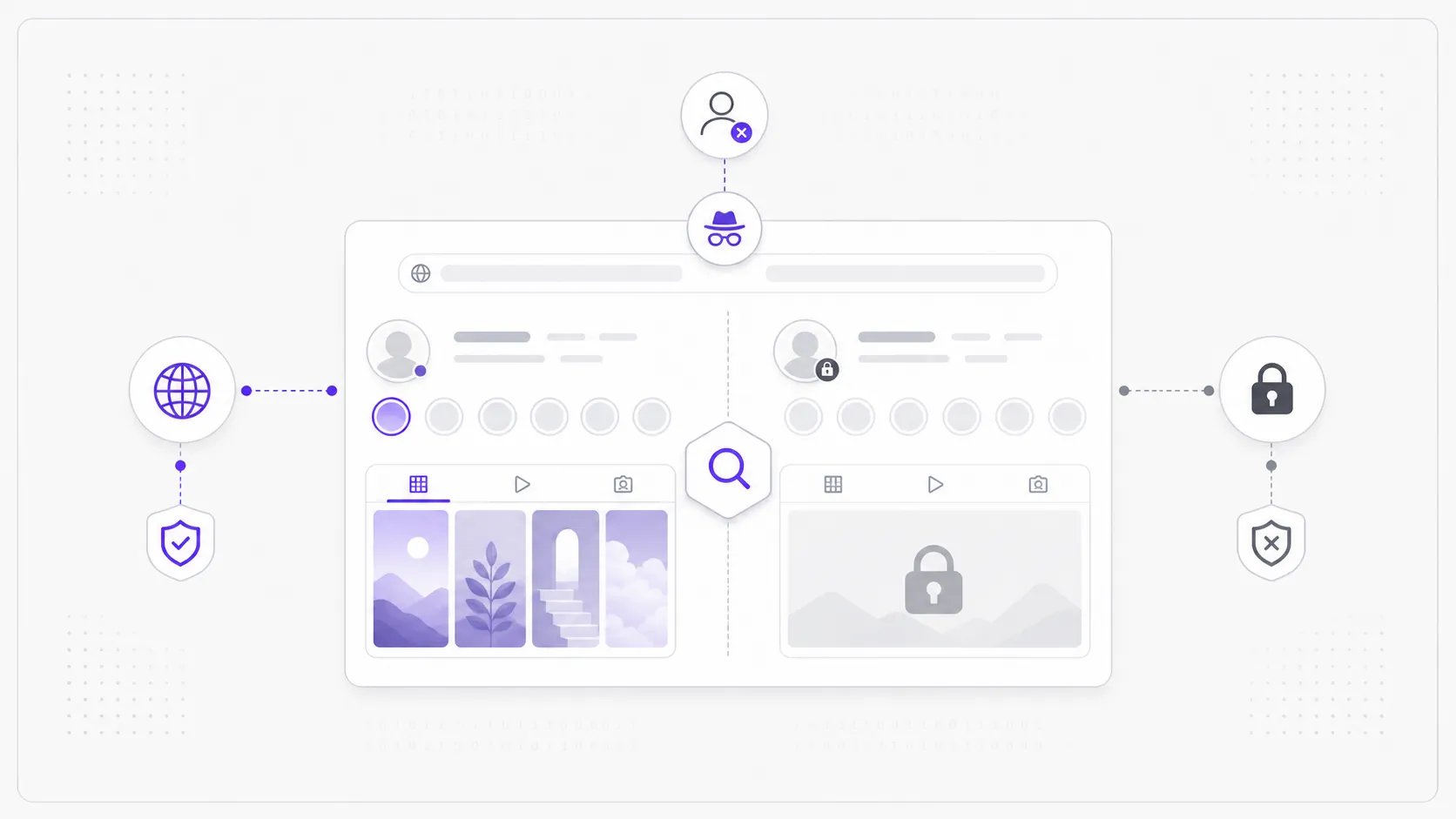
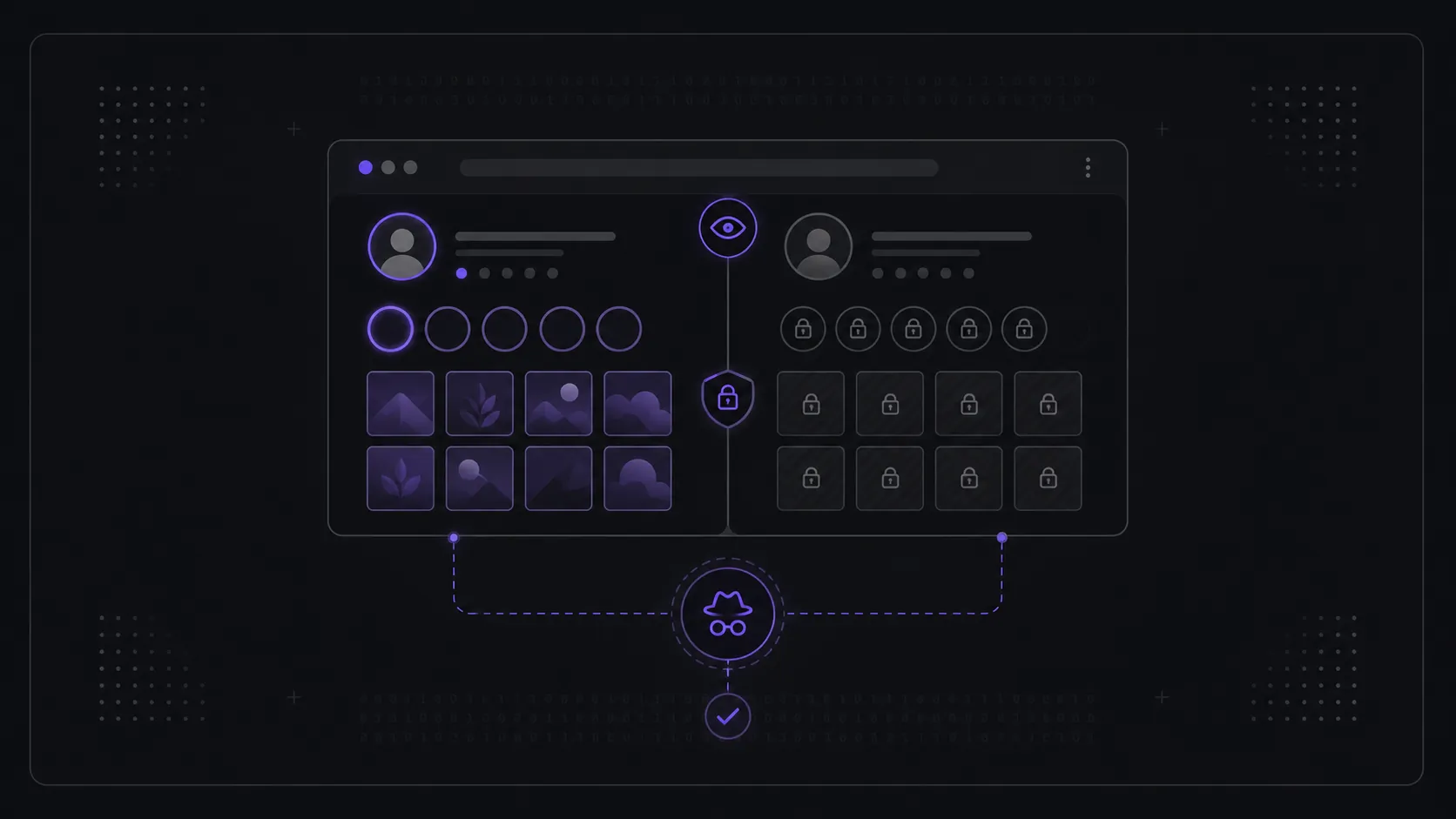
Before you try to view anyone's stories, posts, or reels, one check settles everything: is the account public or private? That single setting decides what's visible to non-followers — and therefore what you, or any tool, can ever see. If you are wondering how to know if someone's Instagram is private, the fastest way is to open the profile while logged out and read what Instagram shows you.
What's the quickest way to check if an account is public?
The quickest check is to open instagram.com/username in a browser where you are not signed in. A public account shows its bio, post grid, follower counts, and — if a story is active — a colored ring around the profile photo. A private account shows a lock icon and "This account is private." It takes about ten seconds.
An incognito or private window is perfect for this, because it strips away your own logged-in session and shows you exactly the public layer that a stranger sees. There's no setting to toggle and nothing to install — you're just reading Instagram's own response to an anonymous visitor.
- Public account: bio, the full post grid, follower and following counts, and an active-story ring if one is live.
- Private account: bio and counts may still appear, but a lock icon with "This account is private" sits where the grid would be, and posts are hidden.
This is the same boundary a story viewer works within, so the logged-out view tells you upfront whether a viewer can show anything at all.
How do I check on desktop vs mobile vs logged out?
The three contexts surface the same setting but with slightly different framing. Logged-out browsing is the most honest test because it removes any chance that your own follow relationship is quietly granting access. Desktop and the mobile app add convenience but can mask the public/private line if you already follow.
- Logged-out browser (most reliable): the cleanest signal. You see only what a non-follower sees, so a visible grid means truly public.
- Desktop, logged in: the profile loads, but if you already follow a private account its posts appear anyway — the lock label is your real indicator, not the grid.
- Mobile app, not following: a private account shows "This account is private" in place of the grid; a public one shows posts plus a Follow button.
- Mobile app, already following: you can't easily tell, because following a private account unlocks the same view a public account gives everyone. Check logged out instead.
If you want certainty, default to the logged-out window. It answers the public-or-private question without your own account muddying the result. If the page loads but the story itself is missing, use the separate can't see someone's Instagram story checklist instead.
What does each signal actually mean?
Each visible cue maps to one underlying fact: whether Instagram serves this content to people outside the follower list. The post grid, the story ring, and the lock label are surface signals of that single server-side rule. Reading them correctly stops you from misjudging an account.
A visible post grid means the owner has chosen to publish to everyone; non-followers and search engines can see it. A story ring you can open logged out means active stories are part of that same public layer. A lock icon and "This account is private" label means the owner restricted everything to approved followers, and Instagram enforces that on its own servers — not in your browser. A Follow vs Follow Request button is the clearest tell of all: "Follow" appears on public accounts (you just start following), while "Requested" or a pending state appears once you ask to follow a private one.
| Signal | Public | Private |
|---|---|---|
| Post grid visible to non-followers | Yes | No |
| "This account is private" lock | No | Yes |
| Story ring viewable logged out | Yes | No |
| Follow request needed to see content | No | Yes |
| Button shown to a non-follower | Follow | Follow (then "Requested") |
| Content indexed / linkable on the open web | Often | No |
Which signals can fool you?
A few signals look definitive but aren't. The most common trap is judging an account while logged in and already following it — a private account then looks identical to a public one. Another is a missing story ring, which only means no story is live right now, not that the account is private.
Watch out for these edge cases:
- No story ring ≠ private. The ring only appears when a story is currently active. A public account with no live story simply shows a plain profile photo.
- You already follow them. If you follow a private account, its grid and stories show normally — that's not proof it's public. Re-check logged out.
- Recently switched settings. Owners can flip between public and private at any time. What was visible yesterday may be locked today; the check reflects the setting at the moment you look.
- Blocked or deactivated. A profile that won't load at all may be deactivated, renamed, or have blocked you — that's a different situation from private, and no signal means "private" here.
- Empty public account. A public profile with zero posts shows an empty grid, not a lock. Empty is not the same as private.
When a signal is ambiguous, the lock label and the Follow-request button are the two cues that don't lie.
What can you still see once you know — and what can't you?
Once you've confirmed the setting, your expectations should snap into place. On a public account, active stories and posts are open to anyone, and a viewer can present them without an app or login. On a private account, non-followers are served nothing — and no honest tool changes that, because the content never leaves Instagram's follower-only layer.
For a public account you can:
- See the bio, post grid, and follower/following counts.
- Open active stories without following or logging in.
- Link to or share the public profile URL.
For a private account, as a non-follower you cannot:
- See posts, stories, or who they follow — Instagram simply doesn't serve it.
- Get around the restriction with any tool; there is no "trick" because the data isn't transmitted to outsiders at all.
The only legitimate path into a private account's content is to send a follow request and be approved by the owner. For the full visibility model, see public vs private stories; for private-account bypass claims, see can you view a private Instagram without following.
Do business and personal accounts change the check?
The public/private check works the same way regardless of account type, but professional accounts behave a little differently. Instagram business accounts cannot be set to private — they're public by design so customers can find them. Personal and creator accounts can be either. So account type narrows, but doesn't replace, the signals above.
In practice:
- Business accounts are always public, often with a category label (e.g. "Clothing Store") and contact buttons. The lock label won't appear on them.
- Creator accounts can be public or private, like personal ones.
- Personal accounts are the most variable — always run the logged-out check.
So if you see business-style contact buttons or a category under the name, you already know it's public without checking further.
Frequently asked questions
Does the person know I checked if they're public or private? No. Loading a profile and reading its public/private state is not an action Instagram reports to the owner. Following or requesting to follow is visible to them, but simply viewing the profile page is not.
Why can't I see a private account's stories even with a tool? Because Instagram never serves that content to non-followers. The restriction is enforced on Instagram's servers, so there's nothing in the browser to reveal. Any tool claiming otherwise is misleading.
Can an account be public for posts but private for stories? No. The public/private setting is account-wide. If the account is public, its active stories are public too; if it's private, everything — posts and stories — is follower-only.
What if the profile won't load at all? That usually means the account is deactivated, renamed, or has blocked you — not that it's private. A private account loads and shows the lock label; a missing page is a different situation entirely.
How often should I re-check? Whenever it matters, because owners can switch the setting at any time. The check reflects the state at the exact moment you look, so a quick logged-out glance is the only reliable answer.
Checking public vs private takes about ten seconds and saves you from chasing tools that promise the impossible. Open the profile logged out: a visible grid and story ring mean an account is public and its active stories are open to view — try them in the Instagram Story Viewer; a lock icon means the owner has kept everything to approved followers only.