 XXstory
Instagram Stories vs Highlights vs Archive: Public vs Private Copies
Instagram Stories vs Highlights vs Archive: stories expire after 24 hours, Highlights stay pinned on public profiles, and Archive is owner-only. Use this matrix to know what a public viewer can show.
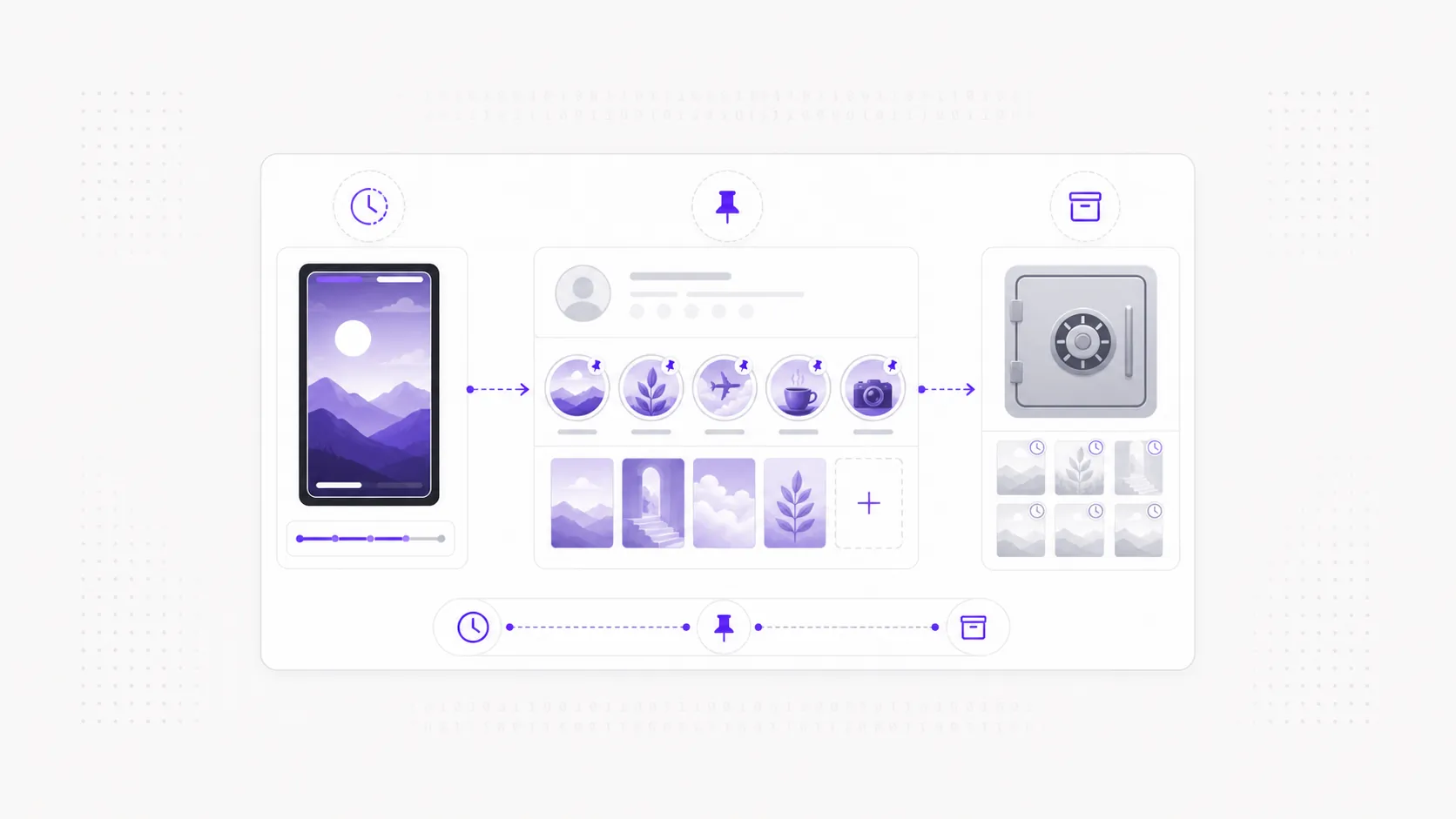
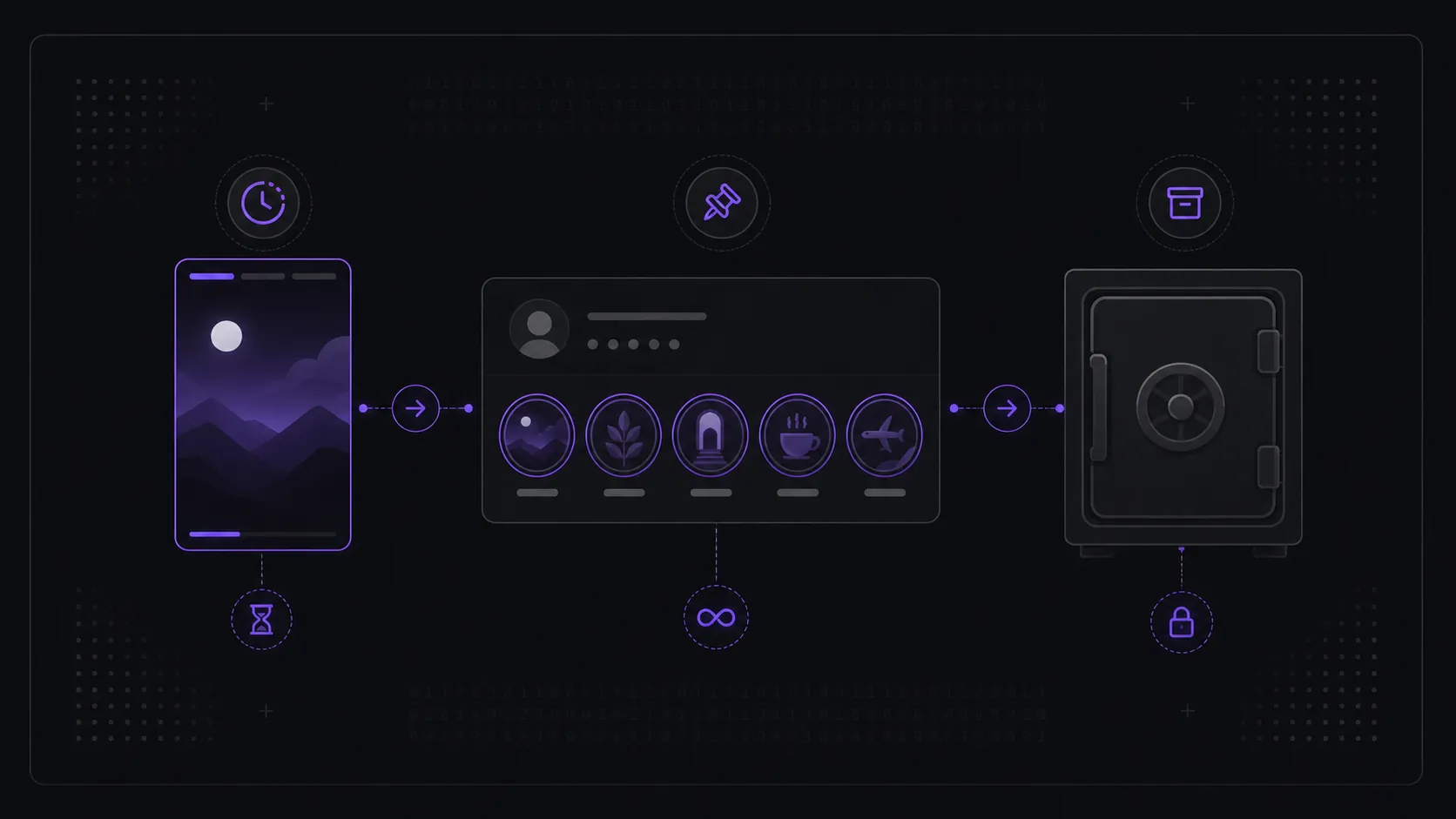
Short answer: Instagram Stories, Highlights, and Archive are three different states of story content. A story is live to the public for 24 hours, then disappears from the public feed. A Highlight is a story the owner deliberately pinned to their profile, so it stays visible indefinitely on a public account. The Archive is a private, owner-only copy. The practical headline: stories and highlights can be publicly viewable; the archive never is.
Mixing these three up is behind a lot of "why can't I see this anymore?" confusion, so here's how each one behaves and who can see it.
This page owns the comparison intent: Instagram Stories vs Highlights vs Archive. For the 24-hour lifecycle itself, use how Instagram stories work. For a deeper Highlight-only guide, use what Instagram Story Highlights are and how long they last. For public vs private account visibility, use public vs private Instagram stories.
What is an Instagram story?
A story is a photo or video that's publicly visible for 24 hours from the moment it's posted, then leaves the public feed automatically and doesn't return. While live, a profile's stories play oldest to newest. This temporary-by-design nature is the whole point of stories — and it's why a viewer only ever shows currently active ones. The full mechanics are in how Instagram stories work.
What is a Highlight?
A Highlight is the one way a story outlives its 24 hours. The owner saves a story to a Highlight — a labeled circle pinned below their bio — and it stays there until they remove it. On a public profile, highlights are visible to anyone, indefinitely, which is why you can see content from months ago in a highlight even though active stories can't reach past yesterday. There's a dedicated breakdown in what are Instagram story highlights and how long they last.
What is the Archive?
The Archive is private and owner-only. When auto-archiving is on, every expired story is quietly saved to a personal archive that only the account holder can open, so they can re-share it or turn it into a highlight later. Nobody else — follower, non-follower, or any tool — can see another person's archive. It isn't public data, so there's nothing for a viewer to fetch.
Side-by-side: who can see what?
| Story | Highlight | Archive | |
|---|---|---|---|
| Lifespan | 24 hours, then gone | Until owner removes it | Indefinite (private copy) |
| Where it lives | Top of feed / profile ring | Pinned below the bio | Hidden in the owner's account |
| Public can view? | Yes (if account is public) | Yes (if account is public) | No — owner only |
| A viewer can show it? | Active ones, yes | Yes (public profile) | No, ever |
| Needs owner's login? | No, if public | No, if public | Yes — owner only |
| Best use case | Current updates | Saved context | Owner memory / reposting |
Which one can a public story viewer show?
| User goal | Correct place to look | Why |
|---|---|---|
| See what a public account posted today | Active stories | The content is inside the current 24-hour public window |
| See older story-style content | Highlights | The owner chose to keep it pinned publicly |
| Recover an expired story that was not highlighted | Nowhere public | The public copy expired |
| View someone else's archive | Not possible | Archive is private account data |
| Check why nothing loads | Story status / public-private status | The account may have no active story, may be private, or may have only private archive copies |
That last row matters for tool expectations. A viewer is not a story recovery tool. It can reflect what is public now — active stories and public Highlights — but it cannot open a private archive or reconstruct expired stories the owner did not republish.
What does this mean for viewing someone's stories?
Two of the three are within reach for a public profile, one never is. You can preview a public account's active stories and browse its highlights; you cannot reach anyone's archive, because it's a private copy by design. If a profile shows no active story right now, that doesn't mean it's hidden — it usually just means nothing is inside the current 24-hour window, and the rest sits in the owner's private archive where it stays. (On a private account, none of the three is public — see public vs private Instagram stories.)
If a public profile has no active story ring but does have Highlights, start there. If it has neither, the profile may simply have no public story-format content available at that moment. For troubleshooting that case, use Instagram Story Viewer not working before assuming the viewer is broken.
Frequently asked questions
Can I see someone's archived stories? No. The archive is owner-only and never public. The only way old content becomes viewable again is if the owner turns it into a highlight.
Are highlights just old stories? Yes — a highlight is a story the owner chose to pin so it doesn't expire. The content is the same; the difference is that it's been saved to the profile.
What is the difference between Instagram Stories and Highlights? Stories are temporary and expire from public view after 24 hours. Highlights are stories the owner saved to their profile, so they stay visible on a public account until the owner removes them.
What is the difference between Highlights and Archive? Highlights are public-facing pinned story collections on a public profile. Archive is a private owner-only library inside the account. A story can move from Archive into a Highlight only when the owner chooses to publish it that way.
If a story expired, is it in the archive? For the owner, usually yes (if auto-archive is on) — but that copy is private to them. From the public's side the expired story is simply gone.
Can an Instagram Story Viewer show Highlights? Yes, when the account is public and the Highlight is still pinned on the profile. A viewer can show public Highlights because the owner made them public; it cannot show the private Archive behind them.
To preview a public account's active stories and highlights right now — no login, nothing saved — open the Instagram Story Viewer and enter a public username.