 XXstory
Can You View a Private Instagram Story Without Following?
No — you cannot view a private Instagram account's stories, posts, or highlights without following and being approved. This guide explains why private Instagram story viewer claims fail, what scams look like, and what public-only tools can safely show.
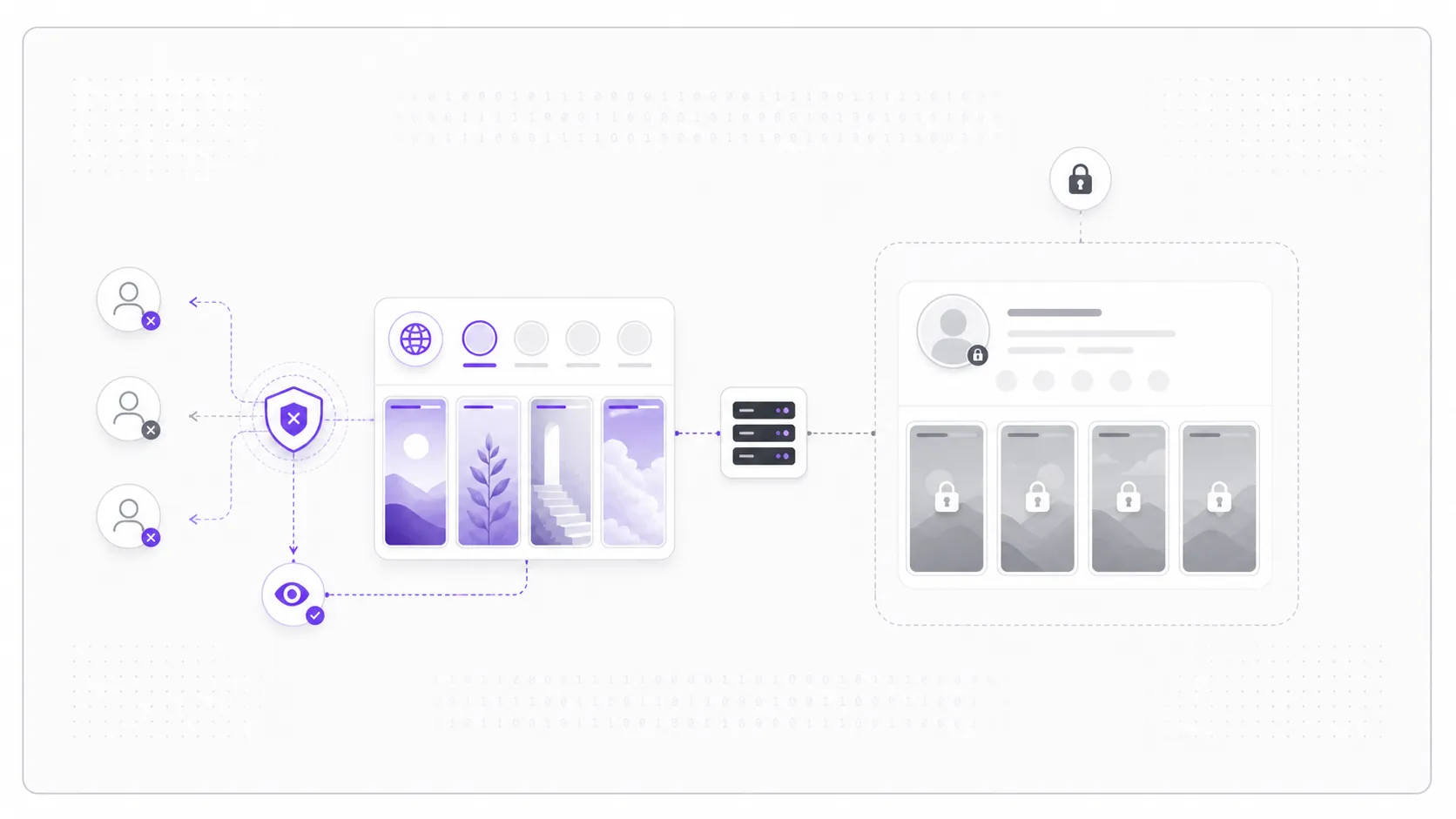
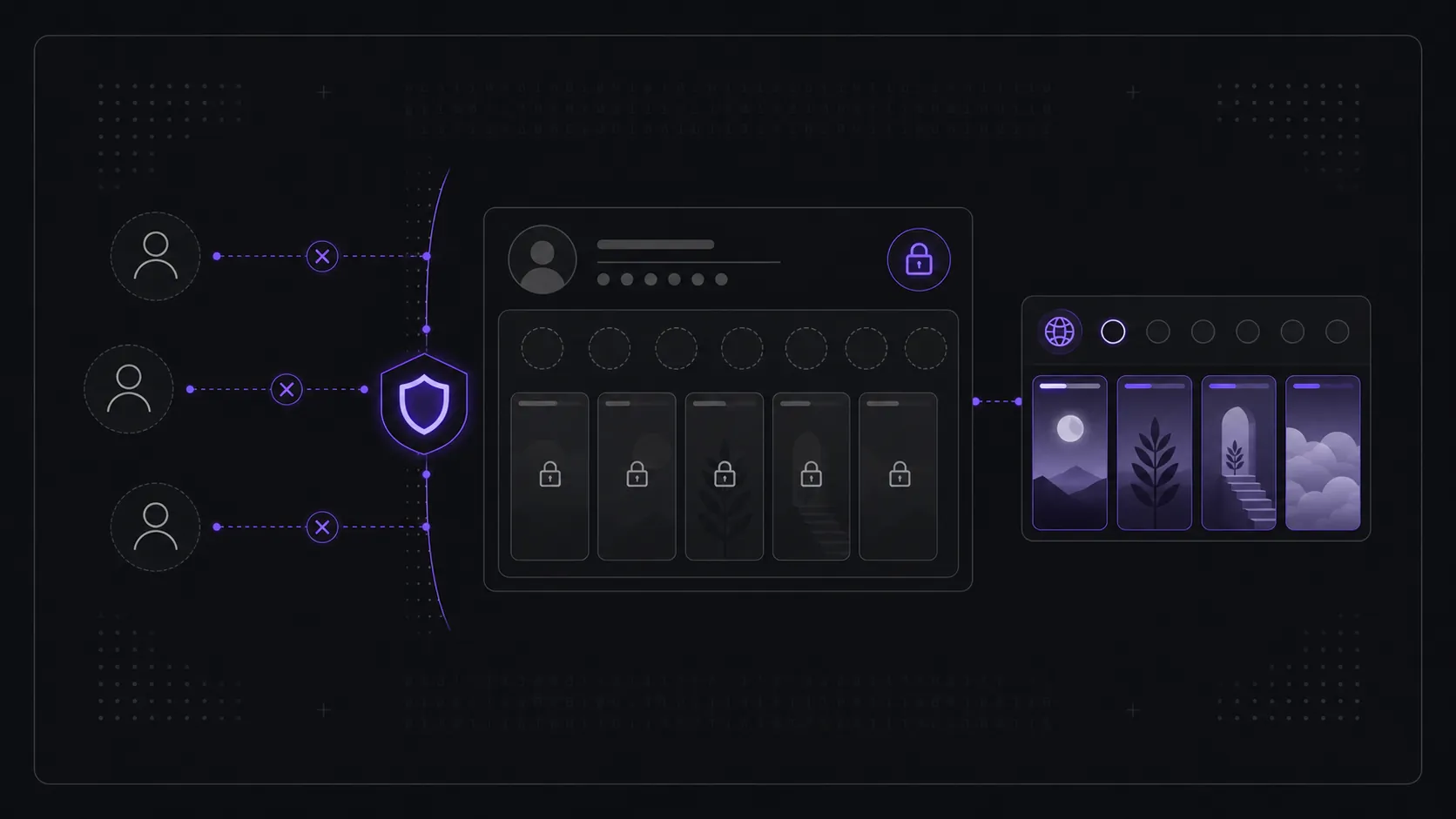
It's one of the most-searched questions about Instagram, so here's the straight answer: no, you cannot view a private account's stories, posts, reels, or highlights without following it and being approved. Private content is never sent to non-followers in the first place — there's no hidden copy on the open web for a tool to fetch. Anything advertising a "private Instagram story viewer," "private Instagram viewer," or "unlock" is either misleading, harvesting your data, or both.
That conclusion isn't a matter of opinion or a temporary loophole waiting to be patched. It follows directly from how Instagram's permission model works, which we'll walk through below — along with why "private viewer" sites keep appearing, what actually happens if you hand one your password, and the genuinely useful things you can do instead.
Why does "private" really mean private?
Because Instagram enforces the restriction on its own servers, not in your browser. When an account is private, the platform only delivers its stories, posts, reels, and highlights to approved followers. A non-follower's request returns nothing — not a blurred preview, not a low-resolution teaser, not a cached fragment.
There is no client-side "gate" to pick. A web page can only display data a server agrees to send it, and Instagram's servers decline the request before any content leaves the data center. That's the part most "unlock" pitches quietly dodge: the content isn't sitting behind a flimsy lock you can pick — it is simply never handed out. You can't intercept a package that was never mailed.
How do "private viewer" sites bait people if they can't deliver?
They monetize the attempt, not the result. The promise of seeing a private account is the hook; the payoff is engineered to be just out of reach so you keep clicking. These sites generally fall into a few categories, none of them good:
- Bait-and-survey funnels: You enter a username, watch a fake "loading" or "decrypting" animation, then hit an endless wall of "human verification," surveys, or app installs. Each step pays the operator an affiliate fee. Nothing is ever revealed, because there is nothing to reveal.
- Credential phishing: The site asks for your Instagram login to "verify you're not a bot" or "connect your account." Submitting it hands your username and password straight to a stranger.
- Malware and ad abuse: Aggressive redirects, fake download buttons, and pop-ups that try to install browser extensions or push notifications, quietly profiting from your device.
A genuinely legitimate tool never asks for your password and only works with public profiles. The rule of thumb is simple: if a site requires you to log in to view someone else's content, close the tab.
What happens if I enter my password on one of these sites?
Nothing good, and the damage can outlast the moment. The instant you submit your credentials to a third-party "viewer," you've given an unknown operator the keys to your account — and they rarely stop at a quick look.
Common outcomes include the account being used to spam your followers with the same scam, to run follow/unfollow bot activity, or to post crypto and giveaway lures from your name. Because many people reuse passwords, the bigger risk is credential stuffing: attackers try that same email-and-password pair on your email, banking, and shopping logins. If this has already happened to you, change your Instagram password immediately, turn on two-factor authentication, revoke access for unfamiliar apps under Settings → Security, and update any other account that shared that password.
What is actually visible while an account stays private?
A surprising amount of the profile shell is public, even though none of the content is. While an account is private, anyone — logged in or not — can typically still see the username, profile photo, display name, bio text, and the follower / following / post counts. What they cannot see is the substance: the actual posts, stories, reels, highlights, tagged photos, and the follower and following lists themselves.
This is by design. The visible shell is what lets you find the right person and decide whether to send a follow request; the hidden content is what the privacy setting protects. So if a search result or a friend's screenshot shows you someone's bio and post count, that's expected and proves nothing about being able to see their posts. For the broader visibility model, keep public vs private Instagram stories separate from this private-viewer question.
What changes the moment they approve your follow request?
Approval flips the permission switch — and it's the only thing that does. Once the owner accepts your request, Instagram begins serving you that account's stories, posts, reels, and highlights exactly as it would for any other follower, in your normal feed and stories tray. No tool, workaround, or setting on your end is involved; the change happens server-side because you are now an authorized viewer.
It's worth knowing what approval does not grant. You do not get a special anonymous mode, you do not bypass Close Friends restrictions, and most importantly your story view is logged the way any follower's is. If the owner later sets the account back to public, or removes you, your access changes accordingly. The control stays entirely with the account owner, which is exactly how the system is meant to work.
Can anonymous viewing work on a private account?
No. Anonymous viewing and private-account access are separate ideas that scam pages often blend together. Anonymous story viewing can only happen when the story is already public and a server-based viewer can fetch it without your logged-in account. A private story is never served to non-followers, so there is no public story file for an anonymous viewer to relay.
If your real question is whether a public story view appears in the owner's viewer list, read can someone see I viewed their Instagram story and do anonymous Instagram story viewers show up. If the profile is private, the answer is simpler: you need approval before there is anything to view.
What can I do legitimately instead?
There are only two honest paths to seeing the content you're after, plus a quick way to check what you're dealing with first:
| Goal | Legitimate path |
|---|---|
| See a private account's content | Send a follow request; the owner approves or declines |
| View someone's current stories now | Only if the account is public — use a story viewer |
| Check if it's even private first | Compare the profile against the public vs private story rules |
| Found a "private viewer" site | Don't enter a username or password — it can't work; close the tab |
The honest route to private content is the front door: follow and get approved. That puts the choice where it belongs — with the account owner. And if the account is already public, you never needed an "unlock" in the first place. For public profiles, a no-login Instagram Story Viewer can show active stories because that content is already public.
Frequently asked questions
Is there any app or website that can view a private Instagram without following? No. Any app, extension, or website claiming to do this is misrepresenting what's possible, because Instagram never serves private content to non-followers. The "viewer" is a front for surveys, ads, or credential theft — not a working tool.
Can I see a private account's stories if I view them anonymously? No. Anonymous viewing only applies to public accounts, where stories are already served to anyone. For a private account there is nothing to view anonymously, because the story is never delivered to you in the first place.
Does a private Instagram story viewer actually work? No, not as a public web viewer. A page can claim to be a private Instagram story viewer, but it cannot force Instagram to serve follower-only content. If it asks for login, verification, surveys, or installs, treat it as unsafe.
Can a private Instagram viewer show highlights or reels? No. Private stories, highlights, posts, reels, tagged photos, and follower lists all sit behind the same approved-follower boundary. A viewer cannot choose one private format to unlock while the others stay protected.
Can I view a private Instagram account anonymously after they approve me? You can view the account as an approved follower, but not anonymously. If you watch their story while signed in, your username can appear in the story viewers list.
Does taking a screenshot or using a different account help? Not for access. A second account would still need its own approved follow request to see anything. There's no version of the "back door" that produces private content — every legitimate view starts with the owner saying yes.
Will the owner know if I look at their stories after they approve me? Yes, in the normal way: once you're an approved follower and you watch their story, your username appears in their story viewers list, just like any other follower. Following is a visible, accountable action — which is part of why it's the honest path.
Is it safe to just try a "private viewer" to see what happens? No. Even without entering a password, these pages push redirects, fake downloads, and notification spam, and any that ask you to log in are phishing. There's no upside, since the content can't be delivered.
For a fuller safety checklist, read are Instagram story viewer sites safe. If the account you want to see is public, you can skip all of this and preview its active stories right now — no login, no follow request — with the Instagram Story Viewer.